The online tools UTRGV nursing students use
Most of a UTRGV nursing student's coursework and clinical paperwork runs through a few systems: Brightspace (D2L) for courses and clinical forms, myUTRGV and ASSIST for registration and grades, UTRGV email, Typhon for clinical logs and DocuSign for the Clinical Request Form. Here is what each one does for an NP student, and why a current syllabus may still send you to a Blackboard tab.
Get your placement plan
Tell us your UTRGV program and where you live. A placement advisor replies with preceptor and site options in your community that fit your UTRGV course.
Brightspace (D2L): your courses and clinical forms
Brightspace, which UTRGV and its syllabi also call D2L, became UTRGV's learning management system in Summer 2025, replacing Blackboard. You open it from myUTRGV with your UTRGV account. For a nurse practitioner student it is more than the home of lectures and quizzes: it holds the documents the clinical courses run on.
What FNP and PMHNP students find in Brightspace
- The approved preceptor and affiliated site list. The Spring 2026
NURS 6305syllabus says a current list of approved preceptors is posted on Brightspace, and the Fall 2025NURS 6612syllabus points to a list of potential sites on D2L. - The HIPAA compliance course. Under the
NURS 6612syllabus, every student in a clinical course finishes it and submits the certificate before doing any clinical time. - The clinical forms: the preceptor agreement, the student commitment form, the Mandatory Weekly Time Report and the evaluations each course lists.
- Library Shelf reading lists, which instructors build inside Brightspace.
UTRGV keeps the preceptor list and the clinical forms inside the courses rather than on its public site, so Brightspace is the only place to read them. The approved preceptor list guide explains what the list is and when to look past it.
Why your syllabus may still say Blackboard
Several current syllabi carry language from before the switch. The Spring 2026 NURS 6613 syllabus sends students to a Blackboard forms tab for the list of Clinical Affiliation sites. The Fall 2025 NURS 6612 syllabus files the preceptor agreement under the Blackboard forms tab while pointing to D2L for the site list, and the archived 2023-24 Graduate Nursing Student Guide kept the PMHNP letter verifying clinical clock hours in a PMHNP Toolbox in Blackboard.
Read any Blackboard reference in a 2025-26 syllabus as the forms area of that course in Brightspace. If a form or list the syllabus names is not where you expect it, ask your course coordinator (FNP) or your assigned clinical faculty member (PMHNP) during the first week of the course.
A missing form is a scheduling problem, not just an administrative one. FNP syllabi want the signed preceptor agreement and the time report at least a week before clinical starts, and PMHNP students cannot count an hour until clinical faculty clear the site. Find every form on day one.
myUTRGV, ASSIST and your UTRGV email
myUTRGV is the student portal that opens the other systems. Inside it, ASSIST (Advanced Services for Student Information Supported by Technology) handles registration, financial aid, payment and grades. It is where you enroll in each clinical course and where the final grade appears, the grade that decides whether you move on under UTRGV's progression rules.
Your UTRGV email is the address the School of Nursing writes to; UTRGV even tells nursing applicants to watch it for a courtesy notification from the School. Read it daily in the weeks before a clinical course, when messages about site approvals, affiliation agreements and course set-up carry the most weight.
Registration for each term opens on a date set in UTRGV's calendar, and Spring 2027 registration opens in late October 2026. The academic calendar guide lists the terms and start dates.
Typhon and DocuSign: the two clinical systems
Typhon is the clinical tracking system where you log hours and patient encounters and where new preceptors' data sheets are filed; MSN students buy access once for the whole program, and our Typhon guide covers the rest.
DocuSign carries the Clinical Request Form. In the Spring 2026 NURS 6613 forms list, a heading for new affiliations and preceptors groups three Typhon data sheets (NP, PA and physician versions) with the Clinical Request Form sent through DocuSign. That form is how UTRGV opens an affiliation agreement with a site that is not yet on its list.
The last archived version of the form (labeled 12-24) asks for the facility's name, the person who approves agreements for that facility, the preceptor's name and the initiating faculty member. Having those details in hand before you start saves a round of back-and-forth with the site. When we line up a preceptor for you, we gather exactly that information, plus what the Typhon data sheet needs, in one pass. The Clinical Request Form guide explains the agreement types and timing.
Other systems you may meet
A few more systems appear in UTRGV's nursing sources, some only in particular courses or programs.
- TX TRAIN: the Summer 2025
NURS 6347syllabus had students complete HIPAA and needle-stick trainings there before the Texas DSHS Operation Border Health event. - Zoom: the Writing Center offers Zoom appointments, handy for online PMHNP and DNP students and for FNP students with long clinical weeks.
- Site onboarding platforms: UTRGV's BSN pages say some clinical partners use My Clinical Exchange or CB Bridges, and tell students to register only when their clinical faculty instruct them to.
- BSN-only systems: NursingCAS for applications, the HESI A2 admission exam and the DISA Healthcare compliance tracker.
UTRGV publishes no compliance tracker and no drug-screen rule for graduate students. What graduate students do submit is laid out in the compliance checklist.
A setup checklist before your first clinical course
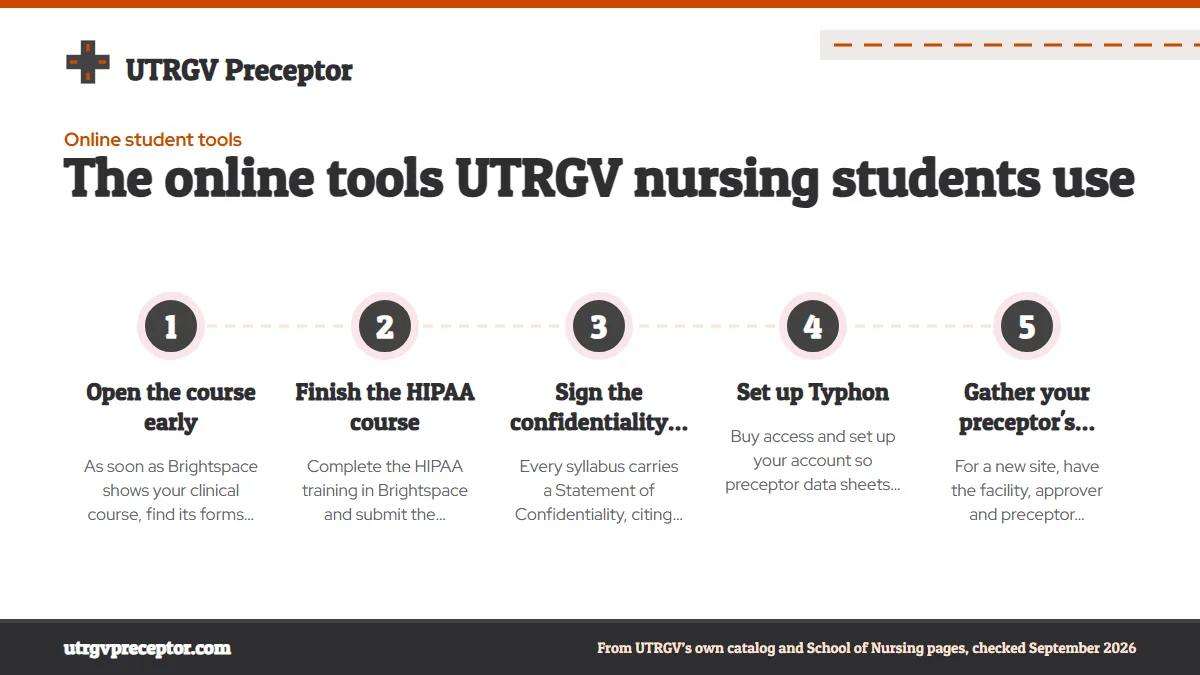
- Open the course earlyAs soon as Brightspace shows your clinical course, find its forms area and the approved site list, whatever the syllabus calls them.
- Finish the HIPAA courseComplete the HIPAA training in Brightspace and submit the certificate, since
NURS 6612makes it a condition of any clinical time. - Sign the confidentiality statementEvery syllabus carries a Statement of Confidentiality, citing the Texas Nursing Practice Act, that you sign before any clinical rotation begins.
- Set up TyphonBuy access and set up your account so preceptor data sheets and your first logs have somewhere to go.
- Gather your preceptor's detailsFor a new site, have the facility, approver and preceptor information ready for the DocuSign Clinical Request Form.
Our placement desk takes on the preceptor side of this list: we find a willing preceptor who fits your course, collect what the data sheets and the form ask for, and hand it to you complete. Start with the request form.
Questions UTRGV students ask
Is UTRGV's approved preceptor list in Typhon or Brightspace?
Brightspace. FNP syllabi place the list of approved preceptors and affiliated sites inside the course in Brightspace (D2L), sometimes under a tab the syllabus still calls Blackboard. Typhon is for logging hours and encounters, and it is where a new preceptor's data sheet goes once you have chosen someone.
Do online PMHNP students outside Texas use the same systems?
Yes. The PMHNP certificate is fully online, so Brightspace, myUTRGV, UTRGV email and Typhon make up the whole campus for most students; the archived FAQ says PMHNP students record their hours in Typhon. The Spring 2026 NURS 6620 syllabus also schedules virtual meetings of each lab group with its clinical faculty.
Who do I ask when a form named in my syllabus is missing?
Start with the faculty for that course: the course coordinator in FNP courses, or your assigned clinical faculty member in the PMHNP certificate. Program-level questions can go to the student services coordinator role that the School of Nursing's contact page assigns to graduate and DNP requests.
Do UTRGV graduate nursing students need a separate compliance tracker?
Not one UTRGV names. The DISA Healthcare tracker on UTRGV's pages is for the BSN. Graduate students hand in items such as the immunization form, liability insurance and the HIPAA certificate through their courses, though an individual clinical site can still ask you to complete its own onboarding.
Can my preceptor see my Typhon logs?
The archived PMHNP FAQ says Typhon logs can be monitored by faculty or by preceptors and supervisors to check accuracy. FNP courses add a paper trail on top: under the NURS 6612 log criteria, a week's log is accepted only once the preceptor has signed it or completed an evaluation.
Related pages
Last checked 2026-09-27
We check these pages against UTRGV's own catalog, course syllabi, School of Nursing pages and Texas Board of Nursing rules. Your course faculty and the School of Nursing have the final word.
From the approved list or a brand-new site, we find the preceptor who fits.
Tell us your UTRGV program, where you live and when your next clinical course starts. We line up a willing preceptor who fits the course and UTRGV's rules, and hand you the details the Clinical Request Form, the affiliation agreement and the preceptor agreement ask for, well before the semester.
- Family practice preceptors for
NURS 6612andNURS 6613, and two NP sites forNURS 6347 - Board-certified psychiatric preceptors for
NURS 6476andNURS 6620, in your home state - Across the Valley and Texas, from McAllen and Brownsville to San Antonio, Houston and beyond
- A replacement lined up fast if a preceptor drops
Start your placement plan
Program, city and start date is all we need to begin.